What to do to improve your Google Title Tags after the latest Google Algorithm Update.
What is a Title Tag? Why is it Important for the Web User Experience?
A title tag is the HTML that defines titles of web pages. Sometimes we refer to title tags as meta title tags, or meta titles. Title tags form part of Google search snippets in SERPS (search engine results page).
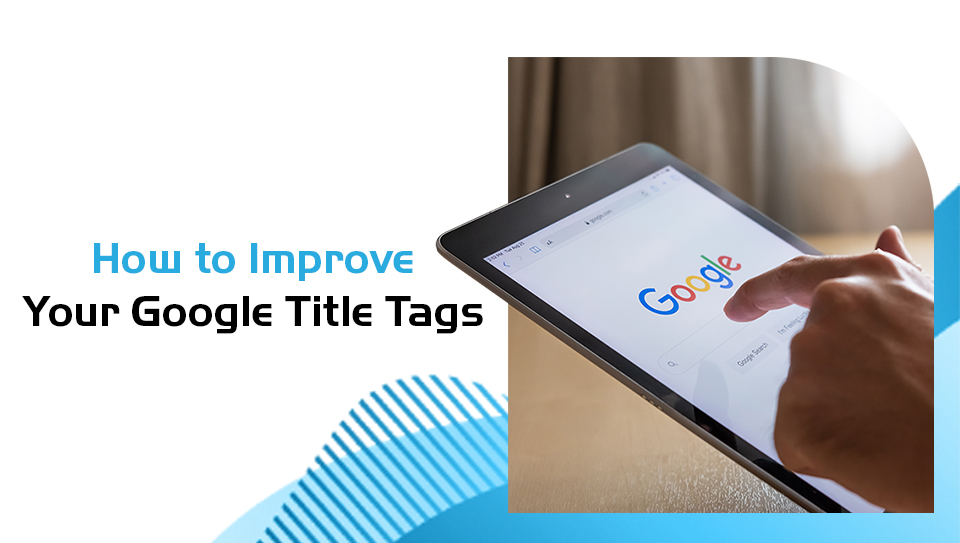
Perfect title tags are so, so important. They play a vital role in making the overall user experience as fuss-free and uncomplicated as possible. That is why title tags should be accurate in describing the contents of the page.
Our Pitch Digital Marketing Agency SEO experts are well-versed in getting your title tags just right. We apply the latest preview tools to ensure title results are accurate. That way, your search results snippets can perform better and get clicks from a truly interested audience.
What is the Purpose of Title Tags? Why Are They so Important?
Title tags are meta elements. Their purpose is to describe a web page, and they also play a role in keyword rankings. Using keyword phrases in SERPS plays an important role in a user's search results.
Your entire title should be optimised to give you the best results based on criteria determined by search engine guidelines. Google has compiled such guidelines to control the title tags in search and to make clear what is best practise.
They recently updated their Search Central guidelines. The update didn’t change the guidance per se. But it made it substantially more straightforward for users to engage with and apply. The updates removed multiple past ambiguities in the guidelines' wording.
Why Google's Updated Title Tag Guide Gives Clarity
Google's title tag update in search has made it more straightforward for users to understand and apply their guidelines.
Google has made their documentation so much easier. Because title tags show up in search results, it is far easier for Google to control.
Google announced changes to the processes in generating web page titles in 2021. The idea was to improve the accuracy of the search results. The guidelines in the Title Tag Guide from Google might have changed. However, the guide itself remains unchanged.
The idea behind the updates was to provide the best title tags possible. This is great news for marketers and website owners.
A Guide to the New Google Title Tag Updates
Google is looking at the key visual titles and headlines that visitors see when they visit websites. They will generate the web page title according to this information. The general idea behind these updates is to make it simpler for visitors to use.
Updates add clarity. The idea is to remove previous ambiguous guidelines:
One of the biggest changes includes the meaning of the term "headline". Previously, the headline referred to the main title of a page, or HTML headings (these are H1 and H2). Updates have given clarity and removed the word headline. It has instead replaced it with the term "title".
How Are Google's Updates Affecting SEO Strategies and Websites?
Title Tags determine what the web page title is. It also applies to search engine results pages. A title tag is the hero in the story. Its key role is to attract visitors to your web page.
Title tags appear at the top of web browser tabs. They play an important role in the deciding factors of users' perceptions.
This is where we come into the picture. It is the job of our professional team to help you create engaging title tags. The general idea is to attract users and encourage them to remember who you are.
Pitch Digital is here to help you create keyword rich titles that are relevant. We understand how important Title Tags are and that they still play a key role in SEO.
You can speak to our experts today to help you create user-friendly titles for your website. It will help you get more visitors to your website because Google will display your site to more users. Before you know it, you will reap the rewards. Soon you will enjoy the results in your click-through rate.
How to Create Better Title Tags
- Title Length. Ensure the Title Length is 50-605 characters long and not more than 530 pixels wide. Half empty titles or shorter titles of 30 characters are also not great. If your title is very short, consider using title separators to include a secondary heading, such as your company name or a location tag.
- Relevant Keywords. Ensure relevant keywords appear in the title tag towards the beginning of the title, if possible. This can help line up your traffic with search intent. For example, if your page is about cat collars, your title could be: Guide to Safe Pet Collaring | Cat Collars of South Africa
- Descriptive Titles. Avoid titles that use words with low value or meaning for searchers. This can include glue words like of, the, a, as, etc. Your title needs to be sharp, descriptive, and accurate for it to improve your SEO. For example, "How to Collar Your Cat According to Experts" is better that "Are You Ready to Hear About the New Best Ways of Cat Collaring According to Our Friendly Experts?".
- Keyword Stuffing. Your title should make sense and offer valuable information for searchers, making it easy for them to understand what your page offers. Older SEO practices like keyword stuffing will lead to lower rankings on SERPS. Here is an example of keyword stuffing: "Cute Cat Collar Methods and Cat Collaring Needs for Your Cat Collar" compared to "Everything You Need to Know About Cat Collars".
- Special Characters. Many SEO experts advise using dashes instead of brackets. That said, you can avoid Google rewriting your title tag for you altogether by avoiding special characters. This, of course, excludes the Title Separator (|).
- Align with H1. Don't use your title tag to try and get more keywords to rank for by varying the H1 from the Title tag too much. Your H1 and title tag should be aligned to reach more organic traffic. This shows Google your search result snippets are accurate and honest, with no deceptive SEO strategies being applied.
How Pitch Digital Implements Google's New Updates
We are not 100% in control of web page titles. But this does not mean that the quality of title tags falls by the wayside! Let us help you make quality title tags. We are here to help you implement vigorous SEO features. These will assist in the optimisation of your title tags.